THE UNLOCK//REPORT Facts checked · 7 Nov 2026
Hub · 3D PrintingUnofficial fan guide

3D Printing & Making

A 3D printer is the one gaming accessory that makes other accessories. This hub covers the hobby from the workbench side: the two printer families that matter, the filaments worth knowing, and the things gamers genuinely print — controller stands, charging docks, replacement parts for retro hardware, cosplay props and tabletop armies. Same house rules as everywhere on this site: specs from manufacturers, no fake hands-on, and model files only from legitimate libraries, licences respected.
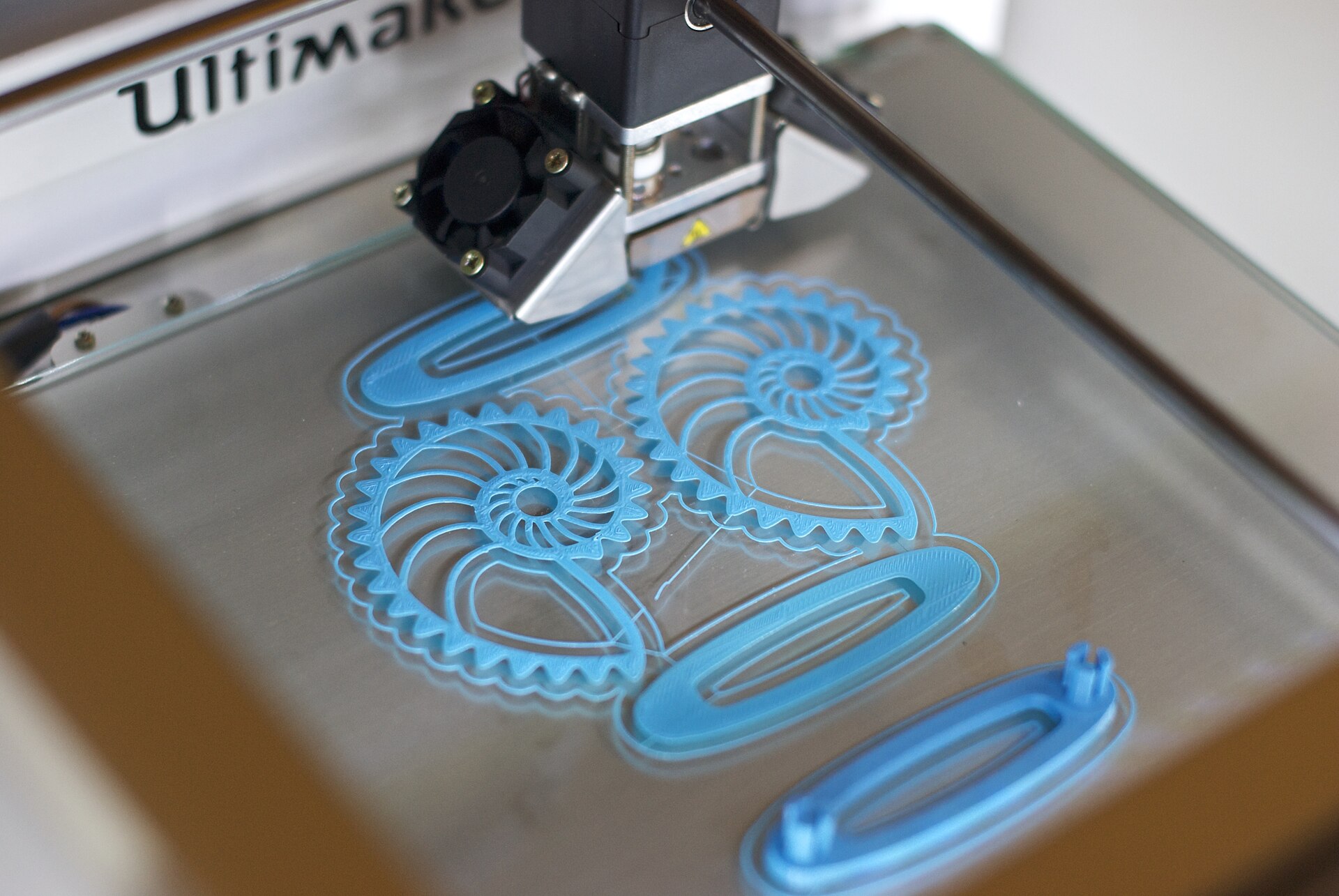
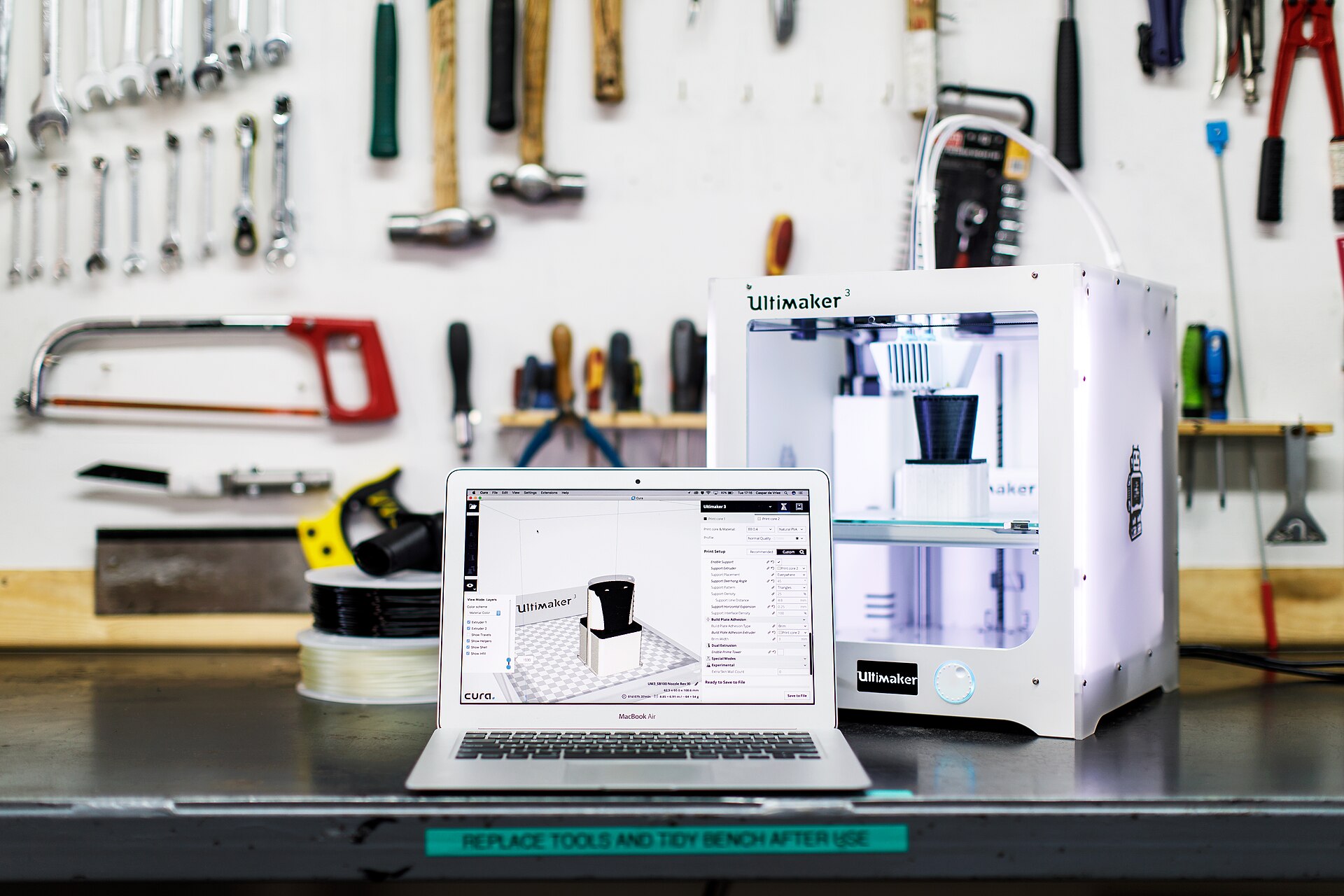
A desktop 3D printer mid-print, laying down layers of filament
Photo: Gary C Martin, CC BY 2.0, via Wikimedia Commons
CoveragePrinters · Filament · ProjectsFDM, resin and what to make with them
Editorial ruleNo fake hands-onIf we haven't printed on it, we say so
Model filesLicensed librariesLegit sources only — licences respected
Start costConsole moneyA good first FDM setup, honestly framed
01 — What’s covered

What the labels mean

Plenty of printing content online is a spec sheet wearing a review's clothes. The labels on this page exist so you can tell the difference.
House rule
Printer categories and workflows — what a class of machine is good at, and where it struggles — with specifications taken from manufacturer documentation, not from marketing renders or second-hand conclusions.
Never faked
A machine only gets described as tested when it has actually been printed on — with the settings used and the failures along the way shown. Everything else is labelled research.
Licensed sources
Model links point to legitimate libraries only — Printables, MakerWorld, Thingiverse and designers' own stores — and each model's licence is respected, including the non-commercial ones. Especially the non-commercial ones.
02 — Getting started

Filament or resin: the first decision

Every beginner decision in this hobby is really one decision — filament or resin — followed by a budget. Here is the honest version of both.
Start here
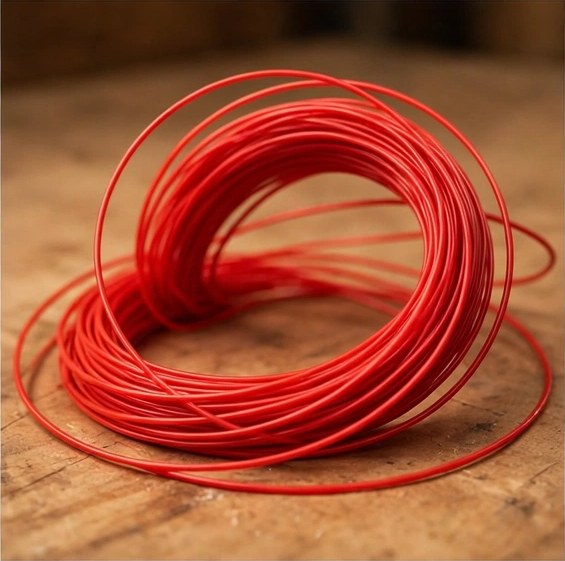
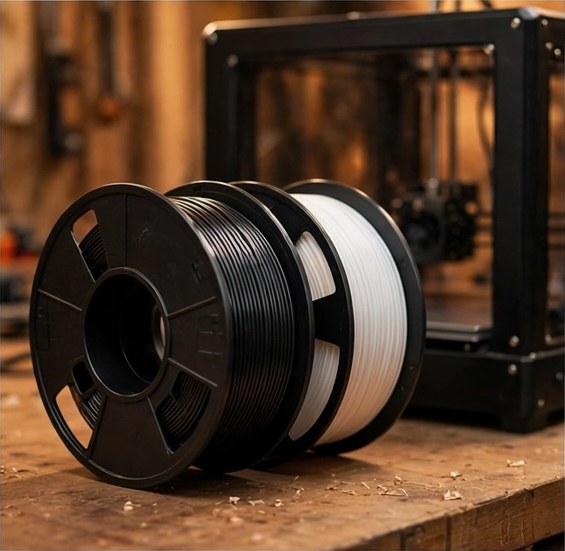
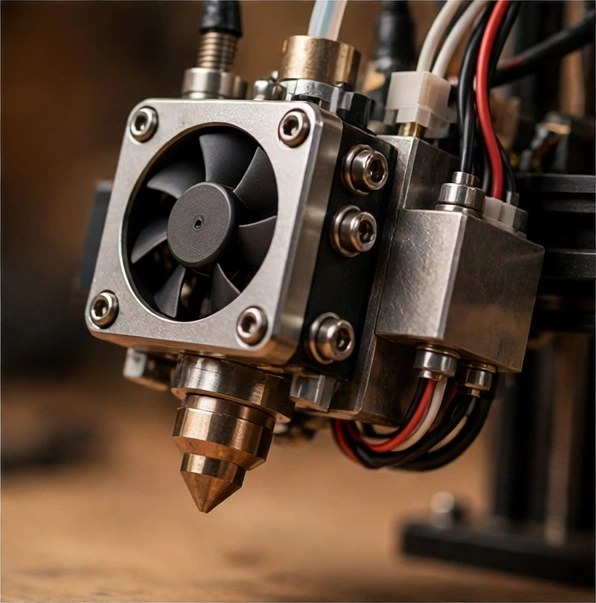
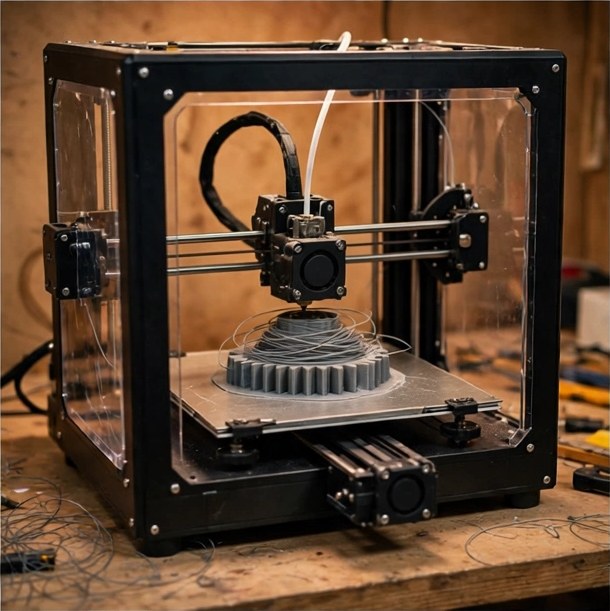
The default first printer. A spool of plastic is melted and laid down layer by layer, which makes FDM affordable, forgiving of mistakes and good at big, useful parts — stands, brackets, shells, storage. If you'll print one useful thing a week for your setup, this is your machine.
Detail pick
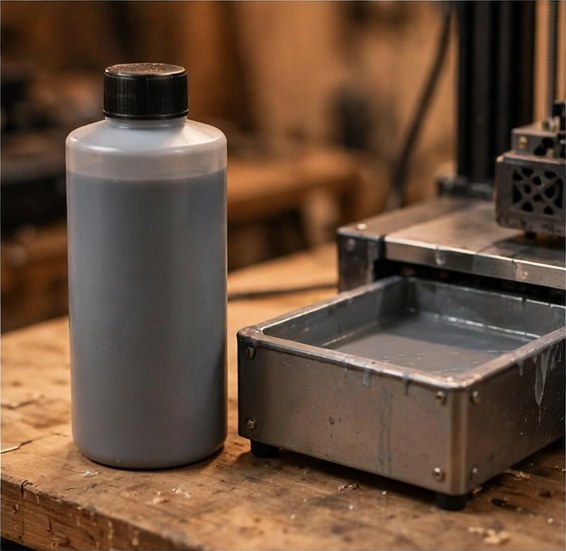
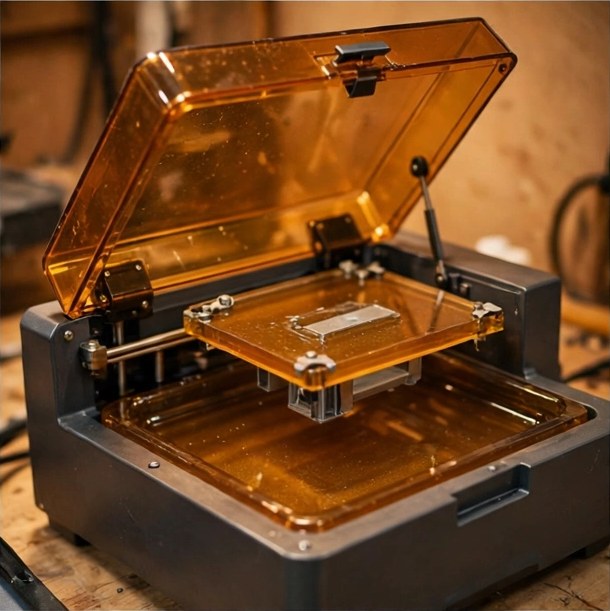
A UV screen cures liquid resin layer by layer, at resolutions filament can't touch — this is how crisp miniatures and figures happen. The cost is process: gloves, washing prints, a curing step, and real ventilation. Detail first, convenience second.
Guide
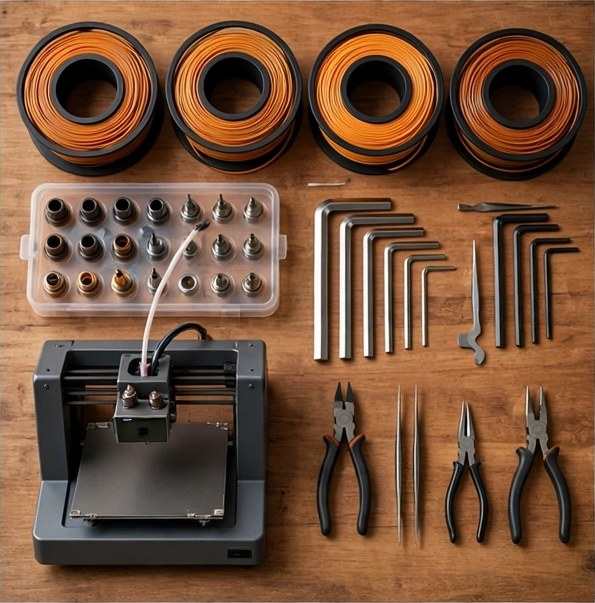
Plan on roughly what a console costs for a good, modern FDM machine — then add filament, a few basic tools and dry storage for spools. The printer is the ticket in; the consumables are the hobby. Resin adds washing and curing gear on top of the printer itself.
Checklist
Three things beat every spec-sheet number: automatic bed-levelling (the first layer is the whole hobby), a slicer you'll actually enjoy using, and a big user community — because every problem you'll ever have, someone in it has already solved and documented.
03 — What gamers print

The prints that earn the desk space

Nobody buys a printer to print calibration cubes. These are the projects that actually justify a machine in a gaming household — most of them small, useful, and finished before dinner.
FDM
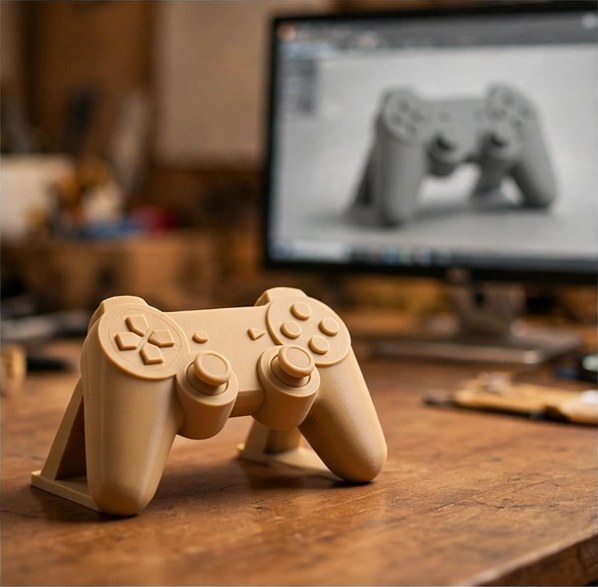
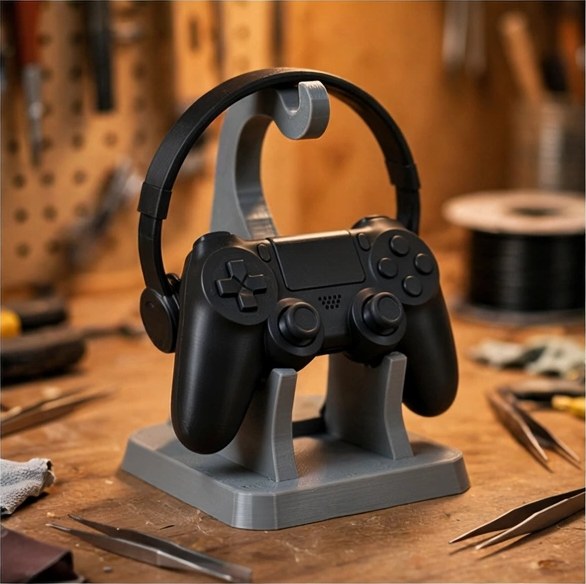
The classic first useful print: a stand that fits your exact controller, in your colour, for a coffee's worth of filament. Headset hooks and desk-edge docks are the same afternoon's work.
FDM
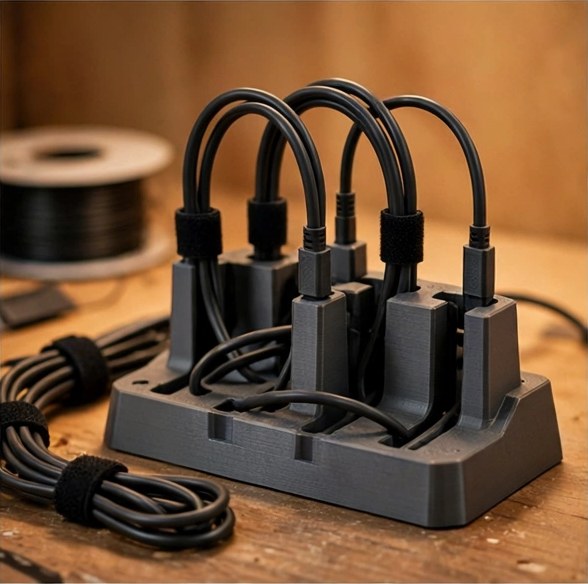
Dock inserts, cable clips, raceways and under-desk trays — the unglamorous prints that make a setup look finished. Design once, then print a matching set for every desk in the house.
FDM
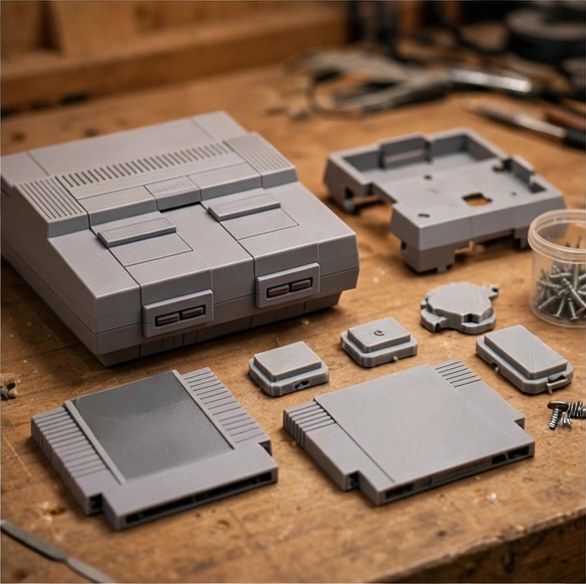
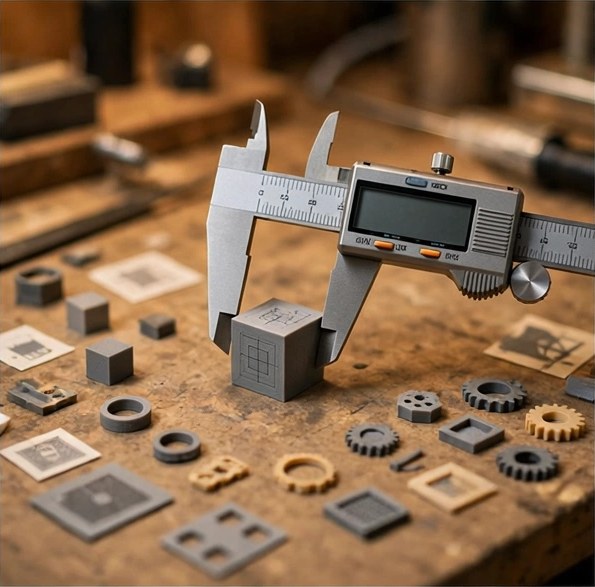
Battery covers, cartridge shells, dust doors and link-cable clips for hardware that's been out of production for decades. This is preservation with a print button — and tolerances are the whole game, so measure twice. (The hardware itself lives in our Retro hub.)
FDM · Big parts
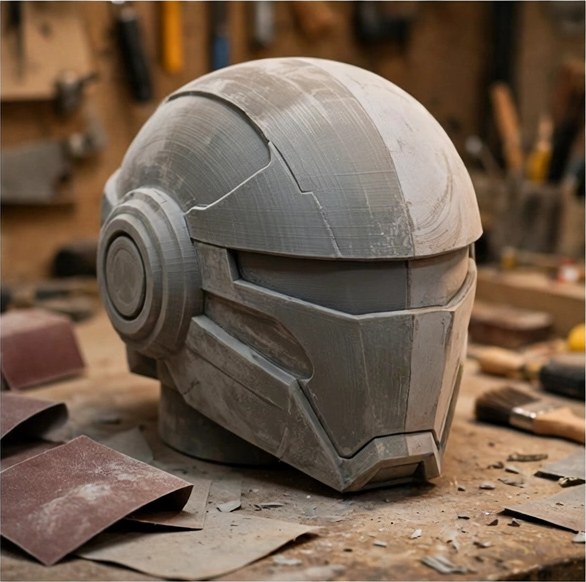
Helmets, props and display plaques, printed in sections and finished by hand. The printer does the geometry; the sanding, filling and painting — the part everyone photographs — is still you.
Resin
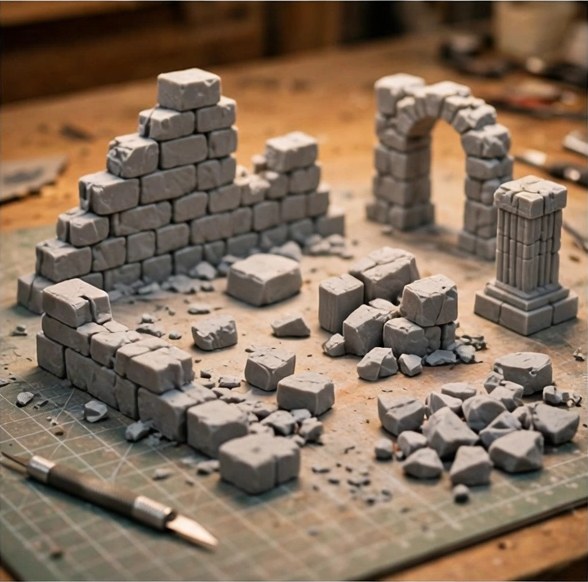
Resin's home turf. Armies, dungeon tiles and scatter terrain at a detail level filament printers can't reach — just budget a wash-and-cure station and a ventilated corner alongside the printer.
FDM · Resin
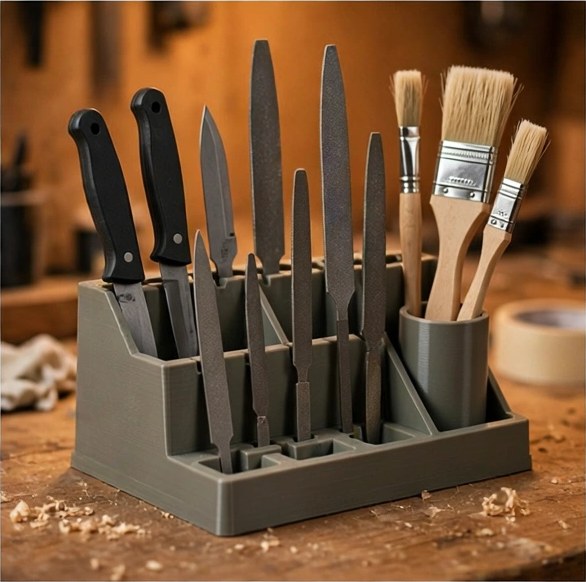
The Gunpla crossover: action bases, posing stands, parts holders for painting, and storage for runners and tools. If you build kits, a printer quietly becomes part of the workbench.
04 — Filaments & materials

Five materials, five tempers

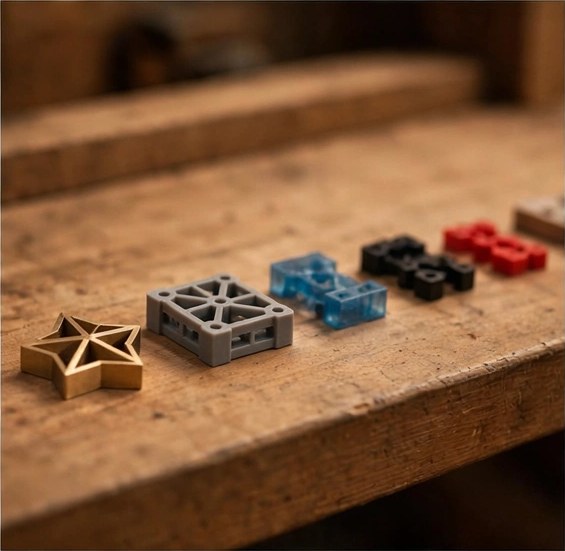
Filament is not one material with colours — it's a shelf of different plastics with different tempers. These five cover almost everything a gamer prints, plus the liquid one that isn't a filament at all.
Default
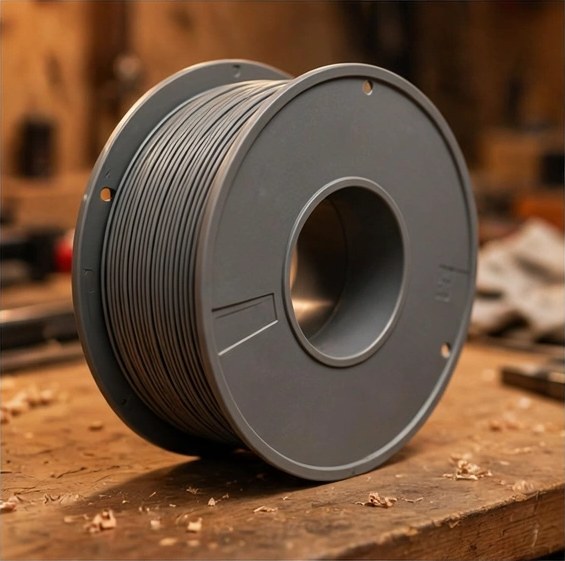
The easiest material in the hobby: low temperatures, minimal warping, indoor-friendly, endless colours. Display pieces, stands, prototypes — most of what this page describes is PLA. Its weaknesses are heat and long-term load; don't leave it in a hot car.
Workhorse
Tougher and more weather-resistant than PLA — the pick for functional parts, brackets and anything that lives outdoors or under stress. Slightly stringier to print, dramatically harder to break.
Flexible
A rubber-like filament for grips, bumpers, feet, cases and controller accessories that should give instead of crack. Slow to print, endlessly useful once you have it dialled in.
Advanced
Strong, heat-resistant engineering plastics — and the ones that demand respect: they warp without an enclosure, and their fumes need ventilation. ASA is the modern, UV-stable evolution of the idea. Neither is a first spool.
Detail
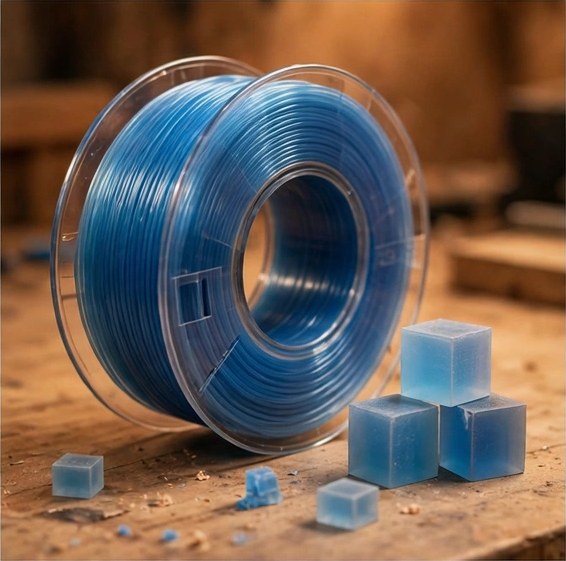
A liquid cured by UV light rather than a melted filament. Unmatched surface detail for miniatures and figures — handle it with gloves, cure prints fully, and dispose of waste resin and wash water responsibly, never down the drain.
05 — The workflow

Model to shelf in four steps

Every print, from a five-minute cable clip to a weekend helmet, walks the same four steps. Learn them once and the hobby stops being mysterious.
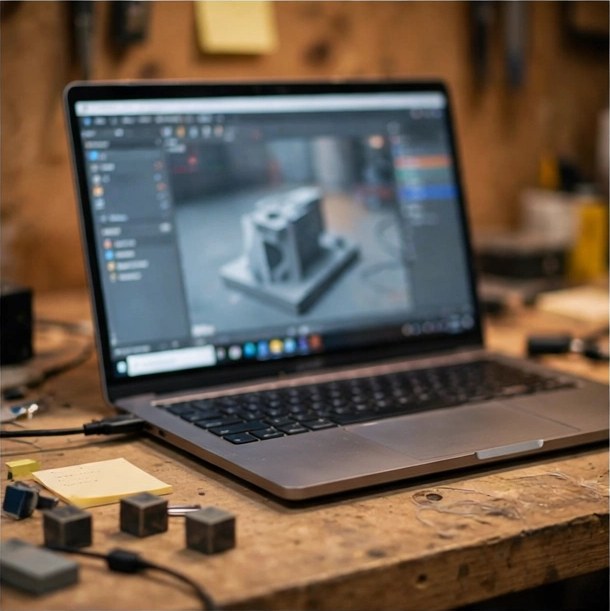
Step one
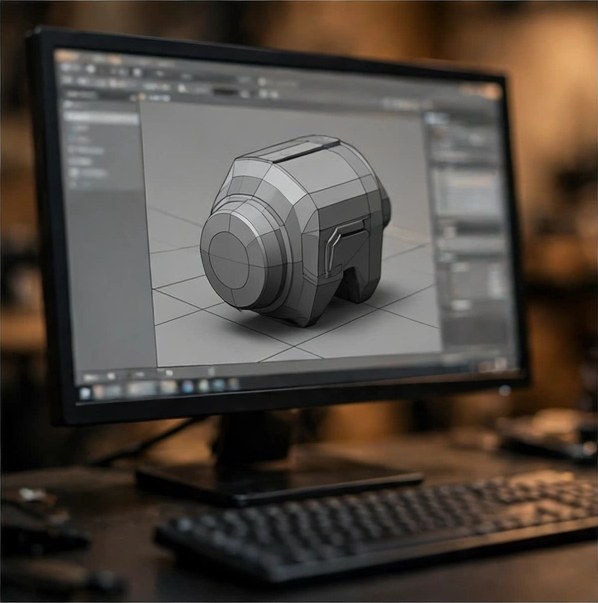
Start from the legitimate libraries — Printables, MakerWorld, Thingiverse — and check the model's licence before anything else. Designing your own starts in free CAD tools, and measuring the thing you're printing for is ninety percent of the skill.
Step two
The slicer turns the model into instructions: orientation (which way up it prints), supports (scaffolding for overhangs, removed afterwards), and layer height — thinner layers mean finer detail and longer prints. Modern defaults are genuinely good; learn one setting at a time.
Step three
The first layer decides whether a print lives or dies. Watch it go down, then check in periodically. Most failures announce themselves early — and cheap.
Step four
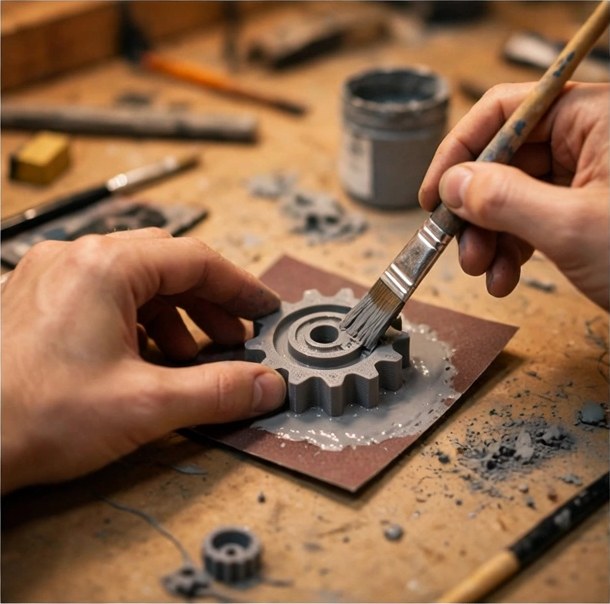
Remove supports, sand the layer lines, prime, paint. Finishing is where a print stops looking printed — on anything display-bound, budget as much time for it as for the print itself.

The licence rule, in one breath

A free download is not a commercial licence. Print for yourself freely where allowed — don't sell prints of other people's designs or of game/anime IP. Designers set the terms and the libraries print them on every model page; reading them takes ten seconds.

06 — Workshop & safety

A sane print corner

None of this is scary, and all of it is cheaper than learning it the other way. The standing rules:
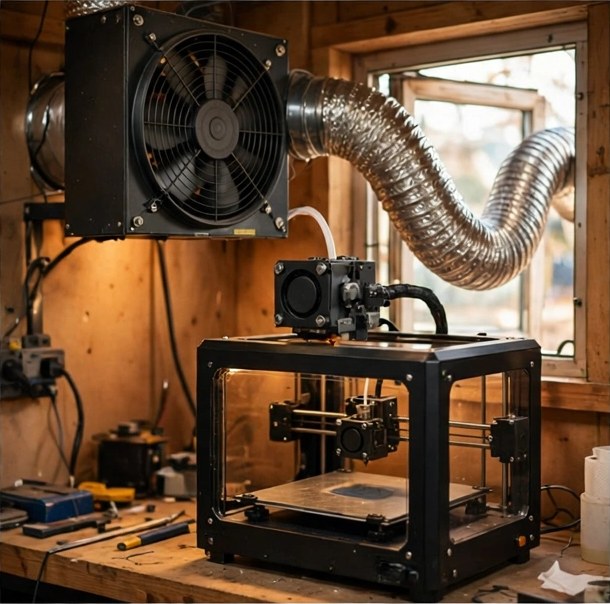
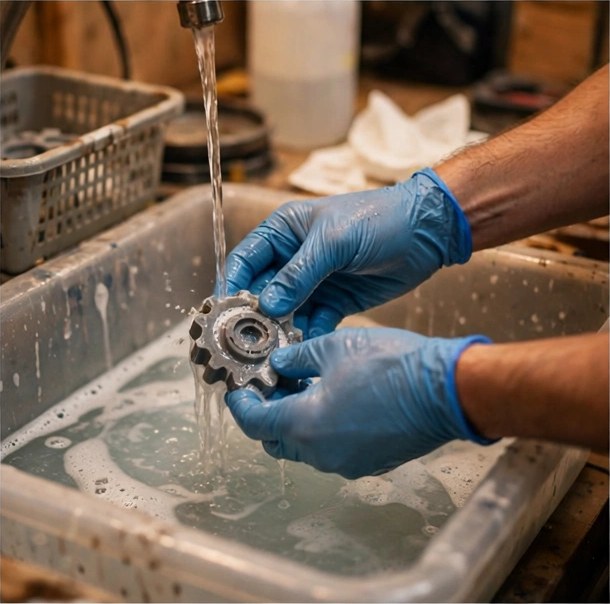
Basics
Fresh air is the whole policy for filament printing in a lived-in room. Resin printing wants a genuinely ventilated space — a window with extraction, a garage, a workshop — not a bedroom desk. When in doubt, move the resin printer, not the person.
Basics
Gloves on, every time, until a print is fully cured. Keep uncured resin and wash liquid off skin and out of drains, cure waste before disposal, and deal with spills immediately. The chemistry is manageable — if you manage it.
Never disable
Modern printers watch their own temperatures and shut down rather than burn. Never disable those protections, never bypass a thermal sensor, and keep firmware current — safety features only work switched on.
Basics
A level, stable surface away from knocks and clutter — no printing on top of cardboard empires. Long prints are normal in this hobby; check in on them, and keep the area around the machine clear.
07 — Questions

Asked at every workbench

The five questions every newcomer asks, answered the way we'd answer a friend standing in the print aisle.

How much does it cost to get started?

Roughly console money buys a good modern FDM printer; add a spool or two of PLA and a few hand tools and you can print your first weekend. Resin starts in a similar place for the printer, then adds a wash-and-cure setup, gloves and ventilation — so price the whole station, not just the machine.

How long does a print take?

Minutes for small parts — a cable clip, a stand foot. Hours for a controller stand or one section of a cosplay piece. Days, plural, for the big multi-part projects that fill social feeds. Your slicer estimates the time before you commit; believe it, and add finishing time on top.

FDM or resin for gaming miniatures?

Resin, and it isn't close — miniatures live and die on fine detail, and resin layers are a fraction of a filament printer's. The trade is process: gloves, washing, curing, ventilation. If you also want big useful parts — stands, brackets, terrain boards — that's the argument for the FDM machine first and the resin machine second.

Is resin printing safe at home?

With ventilation and gloves, and respect for the chemistry, yes — thousands of hobbyists do it daily. Without them, no. Uncured resin is a skin sensitiser: keep it off skin, cure prints fully, ventilate the space and dispose of waste properly. If you can't ventilate the space, that's your answer — print filament instead.

Can I sell prints of game or anime characters?

No — that's the IP owner's right, not yours. Most fan models are shared for personal printing only, and a free download is not a commercial licence. What you can sell is your own original designs, or prints of models whose licence explicitly allows commercial use. It's an easy line to stay on the right side of.

Keep reading

More from The Unlock Report

Press play
0:00 0:00 0:00 / 0:00
UNLOCK RADIO
Synthwave Drive
UNLOCK RADIO · QUEUE
More stations